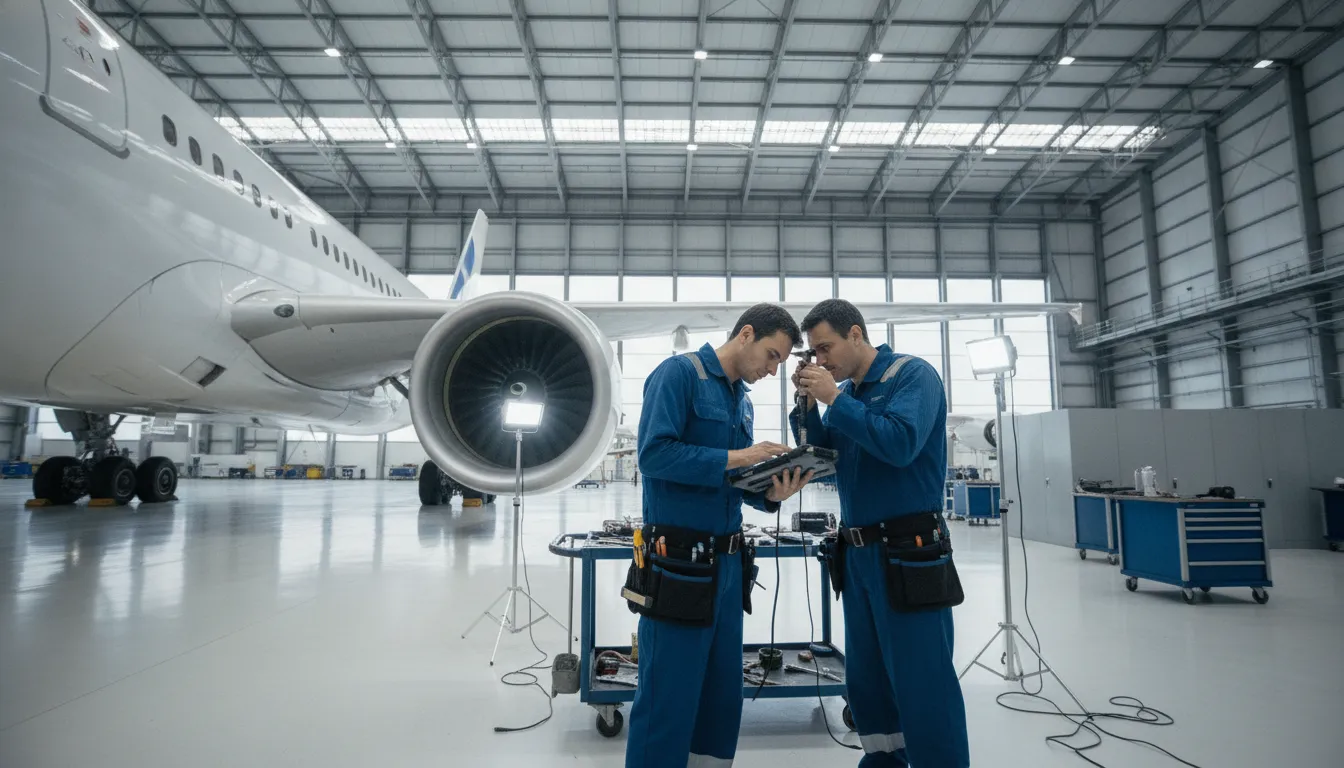
Maintenance work rarely waits for a technician to return to a desk. On the ramp, in a hangar, or at a remote line station, teams need to inspect, document, sign off, and coordinate the next action at the aircraft. A mobile workflow keeps those activities connected to the work order and the wider maintenance record.
Request a personalized quote for aviation maintenance software
An aircraft maintenance mobile app brings assigned work, task context, technical references, labor entries, and inspection evidence closer to the aircraft. It connects line and base maintenance activity with broader maintenance data. Technicians and supervisors can then work from a shared operational record instead of memory, paper notes, or separate desktop updates.
That definition separates an aviation maintenance app from a generic checklist or field-service tool. A consumer app may record that someone completed a personal task. An aviation workflow must place each activity within the relevant aircraft, component, work order, inspection, or defect context. It should help the technician understand the scope, capture what was performed, record the required labor or findings, and leave a usable handoff for review.
The controls depend on the operator's procedures, system configuration, authorization model, and applicable requirements. Mobility is not a substitute for maintenance discipline. It is a way to put the approved process where the work occurs.
In line maintenance, the technician may open an assigned task at the aircraft, review its scope, and update progress without repeatedly returning to a workstation. In base maintenance, the same approach can support larger work packages that move between technicians, shifts, supervisors, and quality personnel. The value is keeping the task, its context, and its status together while work is taking place.
A complete record may include work performed, man-hours, inspection notes, measurements, and supporting photos or videos where the operator's process calls for them. A mobile workflow can make missing fields visible before submission. That is more useful than discovering after a shift change that a handwritten note is incomplete or that an update was never entered into the central system.
SOMA's SOMA Production App is built around field maintenance workflows. Its documented capabilities include generating work orders, managing tasks, tracking man-hours, and documenting inspections with photos and videos. Teams should still map those functions to their own approvals, record-retention rules, and operating procedures before deployment.
Technicians use a mobile maintenance workflow to move through an inspection from assignment to review. The app should present the aircraft and task context, expose the applicable checklist or technical reference, support findings and media capture, and show whether the record has synchronized successfully. The exact workflow should be verified against the operator's procedures before a rollout.
Inspection accuracy starts with context. The technician should be able to identify the aircraft, work order, inspection scope, and required task in one place. The workflow may also provide access to approved checklists and technical instructions. A Purdue University aviation technology paper discusses access to technical data and checklists at the aircraft, rather than repeated trips to a workstation. Read the Purdue research on mobile access during aircraft inspections.
Before work starts, the technician should confirm the task identity and the data version presented by the system. A finding tied to the wrong aircraft, task, or revision creates ambiguity that a supervisor must resolve later. The app should make required inspection steps visible without forcing the user to navigate through unrelated modules.
At the aircraft, technicians can record observations while details are fresh. Notes should describe the location, condition, measurement, defect, or action needed in terms another qualified person can understand. A photo or video can add visual context where the platform supports it, such as the position of a component or the condition observed during an inspection.
Media should supplement, not replace, a clear written finding. Teams should define expectations for image quality, identifying views, file association, and security controls. The FAA Volpe National Transportation Systems Center describes mobile inspection features that include media capture, note-taking, and offline operation. See the FAA Volpe description of mobile inspection features for context on this approach.
Before submitting an inspection, the technician should review missing fields, unclear notes, and incorrectly attached media. After synchronization, a supervisor, quality team, or CAMO function can assess the record, request clarification, assign follow-up work, or continue the release process according to the operator's procedure. The goal is a traceable handoff, not simply a faster form.
Digital task sign-off improves maintenance records when it connects authorization, task evidence, electronic signatures, review, and synchronization in one controlled workflow. It can show who performed the work, what was completed, which observations were recorded, and when the responsible reviewer accepted the entry. Compliance still depends on roles, configuration, procedures, and applicable requirements.
This sequence gives maintenance leaders a practical test for any aircraft maintenance mobile app: can it enforce the right roles. Collect the required evidence, preserve history, and make review straightforward? Assess those capabilities against approved processes before deployment.
Photo documentation gives a maintenance record visual context that words alone may not provide. When a technician records the condition of a component, defect, or work area at the aircraft, the next person can review the same evidence during a handoff, supervisory check, or follow-up task. A complete record connects the observation to the task, aircraft, and work performed.
A note such as damage observed leaves important questions open. Where was the damage located? What did its edges or surrounding area look like? Was the condition isolated, or were nearby components affected? A well-framed image can answer some of those questions and give a reviewer a clearer starting point. Video may add context when movement, sound, fluid flow, or a sequence is difficult to describe in a short note.
Visual evidence does not replace approved inspection criteria or the technician's technical assessment. It supports them. A photo should be paired with precise notes, the relevant task or inspection step, and any required measurement or reference. This combination helps a supervisor determine whether the finding is documented well enough for review and what follow-up should be assigned.
Maintenance work often changes hands between technicians, shifts, supervisors, quality teams, and engineering personnel. A clear image can reduce the need to reconstruct an observation from memory. It can also give a remote reviewer a more concrete view when being physically present at the aircraft is not practical.
For teams evaluating an aircraft maintenance mobile app, photo documentation should be assessed as part of the complete workflow. Ask whether technicians can attach media to the correct inspection or work-order record, add supporting notes, and review evidence before submitting the task. SOMA's SOMA Production App supports documenting inspections with photos and videos alongside work-order and task-management workflows.
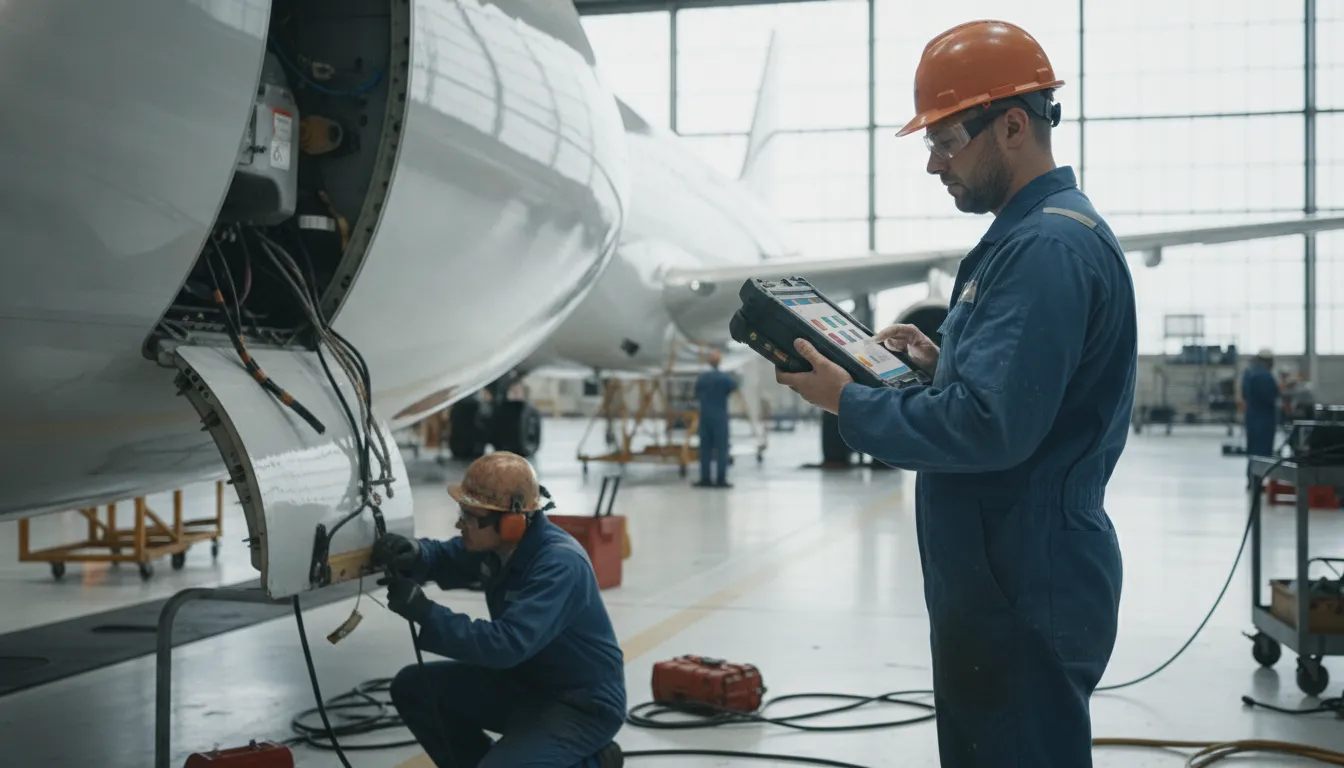
Inventory lookup is useful when it answers a maintenance question at the point of work. The technician needs to know which part is required, whether it is available, where it is located, and what authorized action comes next. When evaluating an aircraft maintenance mobile app, test the path from identification through reservation, issue or return, and escalation. The goal is a controlled decision, not merely a catalog on a phone.
A technician should be able to search with identifiers used by the operation, such as part number, serial number, description, or an approved alternate. Results should distinguish similar components and expose the information needed to avoid selecting the wrong item. Barcode scanning may be useful, but it should remain an evaluation question rather than an assumed capability.
Availability means more than a total quantity. During a maintenance event, the user may need to know whether stock is serviceable, reserved, quarantined, awaiting inspection, or committed to another work order. The result should identify the store, warehouse, shelf, or bin location when that information is maintained.
Once the correct part is found, the workflow should show what happens next. Can an authorized user reserve it against the task? Can the store issue it and record the recipient? Does the system capture a return, unused quantity, serial number, or discrepancy reason? These controls help keep the technical record and inventory record aligned. SOMA's aircraft inventory management solution is relevant for teams assessing this connected workflow.
Limited connectivity should not force technicians to stop documenting permitted maintenance work or recreate records from memory later. A suitable aircraft maintenance mobile app should let authorized users capture approved information at the aircraft, preserve a clear local status, and synchronize it through a controlled process when a connection returns. It should also make the limits of offline work explicit.
Hangars, remote line stations, ramps, and rural operating locations can create connectivity gaps. During those periods, technicians may still need to record inspection notes, task progress, measurements, or supporting observations. Offline inspection mode is a documented capability in aviation inspection applications, alongside notes and photo or video capture. The FAA Volpe Center describes mobile inspection features that include field media capture and offline use.
Offline operation must be bounded by the operator's procedures. The device should show which work orders, checklists, and reference data are available locally. It should also distinguish captured work that is pending synchronization from information already committed to the central record. Do not assume that signatures, approvals, inventory transactions, or every reference work without a connection.
When the connection returns, the system should identify successful uploads, failed transfers, duplicate prevention, and conflicts. A supervisor or quality reviewer needs a clear path for resolving a record that changed on the device while another user updated the central system. A visible synchronization history is more dependable than an informal message that work was sent.
Evaluate offline behavior in realistic conditions. Use airplane mode, reconnect at different points in the workflow, submit a record with an attachment, and test what happens after a failed upload. Ask how timestamps, user identity, local storage, device loss, and unsynchronized work are handled. The answer should be specific to the vendor's implementation and your approved procedures.
Evaluate the app against real maintenance scenarios, not a demonstration that assumes perfect connectivity and a single user. Select a repeatable inspection, work-order update, or part request. Then ask technicians, supervisors, quality personnel, CAMO representatives, and materials staff to test the same workflow from their own responsibilities.
| Evaluation area | Questions to test | Evidence to request |
|---|---|---|
| Inspection workflow | Can a technician open the correct task, checklist, and aircraft context? | Run a representative inspection and review the resulting record. |
| Sign-off and audit trail | Are authorization, signatures, timestamps, corrections, and review states controlled? | Trace one task from assignment through approval and correction. |
| Photo documentation | Can media be attached to the correct task and reviewed before submission? | Capture evidence in a realistic lighting and connectivity environment. |
| Inventory coordination | Can users identify, locate, reserve, issue, return, and escalate a part? | Trace one part request through inventory and maintenance records. |
| Offline operation | What remains available without connectivity, and how are sync conflicts handled? | Test airplane mode, recovery, duplicate prevention, and review. |
| Integration and support | Does information move into maintenance, compliance, and management workflows? | Request an integration map, exception process, training plan, and support ownership. |
A controlled pilot is the next step. Choose one aircraft type, maintenance station, or repeatable workflow. Define baseline measures such as time from task assignment to sign-off, corrected records, workstation trips, offline sync failures, inventory response time, and supervisor review time. Pair usage data with interviews, because a high completion rate does not prove that evidence is complete or that the workflow is safe.
SOMA combines aviation maintenance software with aeronautical engineering expertise. Its ControlHUB App and integrated platform can be considered alongside the Production App when the goal is to connect field activity with broader maintenance operations. Review the fleet maintenance software capabilities and the aircraft document management workflow as part of the wider evaluation. The right partner should help your team map the technology to operational controls, not simply demonstrate features.
See how SOMA can connect mobile maintenance workflows
Look for task and work-order context, digital inspections, sign-off controls, photo and note capture, inventory access, synchronization status, and a clear audit trail. Offline capture can matter at remote stations or inside hangars. Confirm that each function fits your authorization, review, and record-retention procedures.
A mobile workflow lets technicians record work at the aircraft instead of carrying paper notes or returning repeatedly to a workstation. That can reduce duplicate entry and make task status visible sooner. The result depends on implementation, usable workflows, and integration with the maintenance system, not mobility alone.
An app is not automatically compliant because it is digital. The operator must configure controls and procedures for authorization, traceability, record integrity, and document management. FAA AC 120-78B provides guidance for electronic signatures and electronic recordkeeping, but each operator remains responsible for its approved system and procedures.
Some solutions support mobile part searches, availability checks, barcode scanning, or location lookup. Treat these as evaluation criteria rather than assumed capabilities. Verify whether the app connects to your inventory records and supports reservations, issues, returns, and escalation.
Not always. A solution with an offline mode may allow approved data capture when connectivity is limited, then synchronize after the connection returns. Ask how the system protects local data, identifies conflicts, and routes incomplete records for review. Do not assume every feature works offline.
The best mobile workflow is the one technicians can use accurately at the aircraft and supervisors can trust after synchronization. Start with one repeatable scenario, test the controls and handoffs, and confirm how the solution supports your maintenance procedures. SOMA's aeronautical engineering team can help aviation operators assess an integrated approach to maintenance, inventory, documentation, and field operations.
Talk with SOMA about an aviation maintenance software evaluation