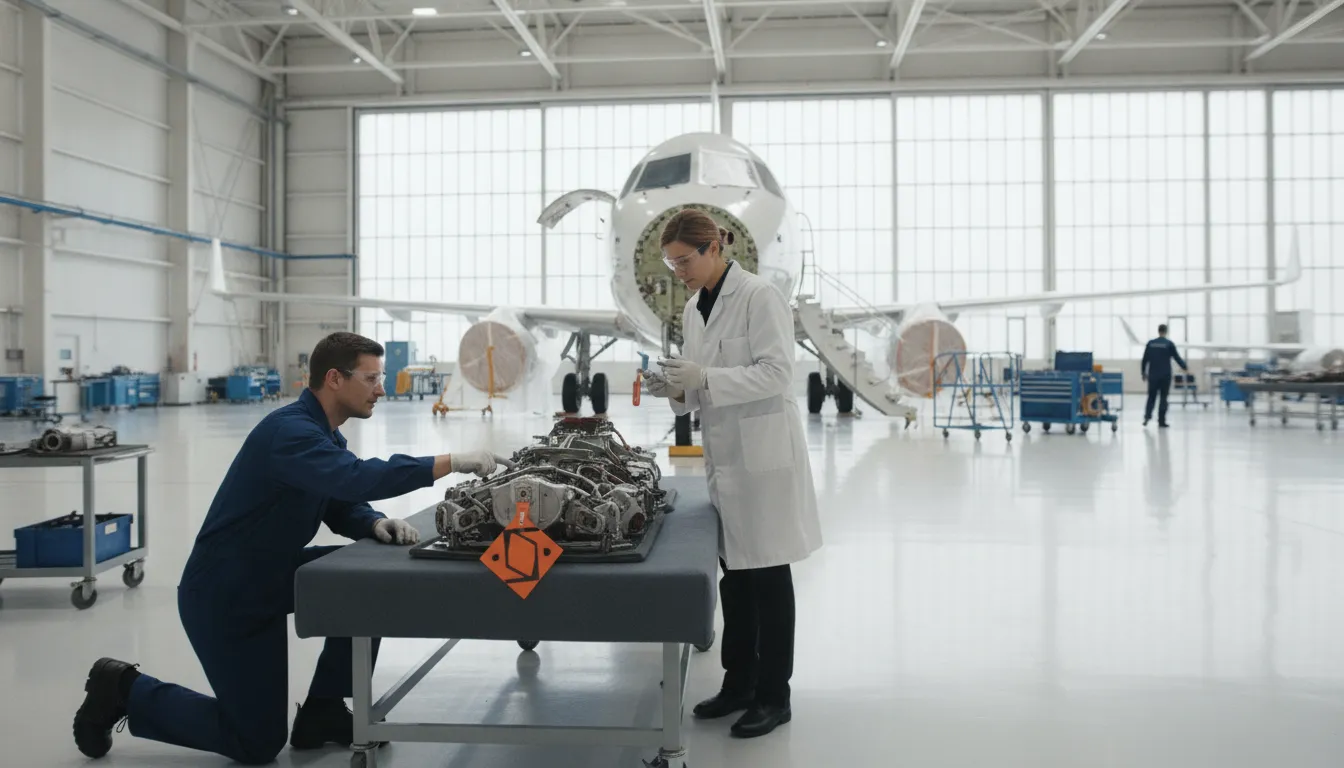
Aircraft component lifecycle tracking is the disciplined practice of recording what happens to a component from receipt through installation, removal, maintenance, storage, transfer, and retirement. For maintenance, CAMO, quality, and inventory teams, the goal is not simply to know where a part is. It is to know its current status, accumulated use, maintenance history, supporting evidence, and next decision before the component is released, installed, or removed from service.
Request a personalized quote for aviation component lifecycle tracking with SOMA Software.
Aircraft component lifecycle tracking is a controlled history of each serialized or life-limited component and every meaningful event in its service life. The record connects identity, status, aircraft or location, hours and cycles, maintenance actions, documents, approvals, and limits so authorized teams can make consistent airworthiness and maintenance decisions.
That definition is intentionally broader than inventory tracking. Inventory tells a team what is available and where it is stored. Lifecycle tracking explains what happened to a specific component, what condition it is in, what work is pending, and what evidence supports its next disposition.
A reliable lifecycle record begins with the component's identity. At a minimum, the operating record should consistently associate the part number, serial number when applicable. Description, manufacturer or approved source, current location, and the aircraft or assembly position when installed. The exact data set should follow the operator's approved procedures and applicable authority requirements.
Identity controls matter because a correct maintenance action attached to the wrong serial number can create the same operational risk as a missing record. Teams should use a single component record across receiving, stores, maintenance planning, work orders, quality review, and records management rather than recreating the history in separate spreadsheets.
A status is a decision signal, not a label added for convenience. Each status should tell the next person what can happen, what cannot happen, and which evidence or approval is still required.
| Status | Operational meaning | Typical control |
|---|---|---|
| Received | The component has entered the operator's control but has not completed acceptance checks. | Confirm identity, condition, documentation, and receiving disposition. |
| Serviceable or available | The component is eligible for the uses allowed by the operator's procedures. | Maintain location, limits, configuration, and applicable shelf-life or inspection dates. |
| Installed | The component is fitted to a specific aircraft, engine, assembly, or position. | Record installation details, time and cycles, work order, and approving personnel. |
| Removed | The component has left its installed position and needs a new disposition. | Record removal reason, condition, time and cycles, and transfer to inspection, repair, storage, or retirement. |
| Under inspection | The component is being evaluated and is not automatically available for installation. | Hold the component until the inspection result and required records are reviewed. |
| Under repair or overhaul | The component is with an approved internal or external maintenance function. | Track the work scope, facility, release documentation, and resulting limits. |
| Quarantined or unserviceable | The component cannot be issued or installed until a defined decision is made. | Physically and digitally segregate it, control access, and document the disposition. |
| Retired or scrapped | The component is permanently removed from eligible service. | Preserve the disposition record and prevent an unintended return to service. |
Status history gives maintenance teams the context required to act safely. A parts count may show that one component is on hand, but it does not show whether the component is serviceable. Awaiting inspection, beyond a calendar limit, missing release evidence, or reserved for another aircraft. Lifecycle history connects availability to condition, authorization, and use.
This distinction is especially important for serialized, rotable, repairable, and life-limited components. Two items with the same part number can have different serial histories, remaining limits, repair records, or installation eligibility. Treating them as interchangeable stock can hide a maintenance risk and create avoidable delays.
Traceability answers questions such as:
The answers should be easy to retrieve without confusing a purchase transaction, a warehouse movement, or a maintenance event with the component's full service history.
A useful lifecycle record follows the component at every point where its identity, condition, use, location, or eligibility changes. The exact workflow depends on the operator's approved procedures, component type, and regulatory environment, but the following event sequence gives teams a practical control framework.
This event model is more useful than a static component card because it shows the sequence and the evidence behind each state change. It also gives maintenance leaders a way to find incomplete handoffs before the component is needed on an aircraft.
Installation and removal are the points where a component's history meets the aircraft's maintenance record. The record should connect the component to the exact aircraft or assembly context, capture the relevant time and cycles. Identify the work order, and preserve the approval or disposition required by the operator's procedures.
| Event | Record focus | Decision to protect |
|---|---|---|
| Installation | Component identity, aircraft or assembly, position, date, hours and cycles, work order, technician, and release or approval evidence. | Is this component eligible for this installation and configuration? |
| Removal | Removal date, aircraft or position, reason, condition, hours and cycles, work order, and next disposition. | Should the component be inspected, repaired, stored, transferred, or retired? |
| Reinstallation | Link to the prior removal and the work completed between removal and reinstallation. | Has the component's status and evidence returned to an installable state? |
For operators subject to U.S. FAA rules, 14 CFR 91.417 describes maintenance records that include work performed, completion dates, return-to-service approval, component time in service, life-limited part status, overhaul status, inspection status, and applicable airworthiness directive information. Operators in other jurisdictions should apply the requirements of their authority and approved maintenance and records procedures.
Repair, overhaul, inspection, and shelf-life controls are not side notes in a component history. They determine whether a component can move from a held or removed state to an available or installed state. A lifecycle system should show the open action, responsible function, due date or limit. Supporting document, and final disposition instead of treating a completed transaction as proof of serviceability.
An inspection can identify a component as acceptable, conditionally actionable, discrepant, or not eligible for service. A repair or overhaul may change the component's configuration, condition, accumulated values, or supporting evidence. These events should be separate records linked to the component and the work order so a reviewer can reconstruct what changed and why.
For U.S. operators, 14 CFR 43.11 addresses the content and disposition of records for certain inspections, including the inspection performed. Date and aircraft time, approval or disapproval for return to service, and discrepancies when applicable. The rule is not a substitute for an operator's procedures, but it illustrates why the result and approval evidence need to remain connected to the event.
Shelf-life control is a lifecycle problem because time passes even when a component is not installed. Teams should maintain the applicable expiration or review date, preservation or storage requirements, location, and next action. An item in storage should not silently appear as available when its required inspection, preservation, or shelf-life condition has changed.
A component lifecycle record should contain enough structured information for an authorized reviewer to identify the item. Understand its current condition, verify its history, and decide the next action. The exact fields vary by component type and approved procedure, but a practical baseline includes the following groups.
Structured fields make the record searchable and support alerts. Attachments and notes preserve the context that cannot be reduced to a status value. Both are important: a green status without the evidence that earned it is not a complete control.
Lifecycle tracking supports maintenance decisions when it turns history into an explicit workflow. The team should be able to identify the component, evaluate its current state, confirm the evidence, check limits and configuration, assign the next action, and preserve the decision. This reduces the chance that a component is selected because it appears available while a critical condition remains unresolved.
This approach also supports exception management. If a component has a missing record, an unclear status, or a limit that cannot be verified. The system should make that gap visible and route it for review rather than allowing the item to blend into available stock.
Retirement is a controlled disposition, not simply the deletion of a component from the inventory list. The record should preserve why the component was retired, who authorized the decision, what method or disposition was used, and which documents support the action. The digital and physical controls should agree so an item marked retired cannot return to an installation workflow by mistake.
For life-limited parts removed from service, 14 CFR 43.10 describes control methods such as record keeping, tags or records attached to the part, marking, segregation, mutilation, or another FAA-approved method. The appropriate method depends on the applicable rule and operator procedure. Lifecycle software should support the decision trail and status control, not replace the authority's requirements.
Retirement records are also valuable for analysis. Repeated removals for the same reason may point to a reliability, installation, supplier, storage, or maintenance-program issue. A complete history gives engineering and maintenance leaders evidence for that review without confusing a retirement event with a normal stock adjustment.
SOMA Software positions its aviation maintenance platform as an integrated system for maintenance, operations, inventory, and document control. Its Fleet Maintenance Software page describes component lifecycle tracking, alerts before replacement or inspection. Complete maintenance history, digital work orders with real-time status updates, compliance documentation, and a real-time maintenance dashboard.
For component-control workflows, that means teams can connect the component event to the maintenance activity instead of maintaining a separate history in disconnected files. SOMA Software also connects maintenance workflows with its aircraft inventory management and purchasing module, which provides visibility into parts, locations, repair status, suppliers, and inventory transactions.
Document evidence can be managed alongside the broader workflow through aircraft document management, including document status, versions, and expiration alerts. Teams evaluating a broader platform should confirm the exact fields, approvals, integrations, and reports required by their own maintenance organization before implementation.
The practical value is operational alignment. Maintenance, CAMO, quality, inventory, and records teams can work from the same component history while SOMA's aeronautical engineering team acts as an operational partner during digital transformation. The right configuration still depends on the operator's procedures, data quality, user roles, and governance.
Inventory tracking focuses on quantity, location, purchasing, reservations, and availability. Component lifecycle tracking follows an individual component's identity, status, use, maintenance events, limits, documents, approvals, and final disposition. Inventory is one part of the lifecycle record, not the entire history.
Serialized, rotable, repairable, and life-limited components generally require stronger identity and event controls than ordinary consumables. The exact scope should follow the operator's approved procedures, component records program, and applicable authority requirements.
No. Removal is an event that requires a new disposition. A removed component may be serviceable, awaiting inspection, in repair, quarantined, held for records review, or retired. Its status should be updated only after the required evaluation and evidence are complete.
Supporting records may include receiving documents, installation and removal entries, work orders, inspection results. Repair or overhaul releases, time and cycle updates, transfer records, shelf-life controls, discrepancy records, and retirement documentation. The required set depends on the component and the operator's procedures.
No. Software organizes data, workflows, alerts, and evidence. It does not replace approved maintenance procedures, required approvals, technical data, or the responsibilities of the operator and authorized personnel. Configure the workflow to support the organization's governing requirements.
Start by agreeing on the component identity, status model, required event fields, evidence standards, and decision owners. Then connect receiving, maintenance, inventory, quality, and records workflows so every transition updates the same history. A platform such as SOMA Software can help aviation teams replace fragmented spreadsheets with an integrated view. While aeronautical engineering expertise helps align the system with real operating decisions.
Review the most common lifecycle gaps first: missing installation or removal details, unclear repair status. Overdue inspections, incomplete transfer records, and retirement events that are not reflected in physical controls. Closing those gaps gives maintenance leaders a more dependable basis for compliance, aircraft readiness, and component decisions.