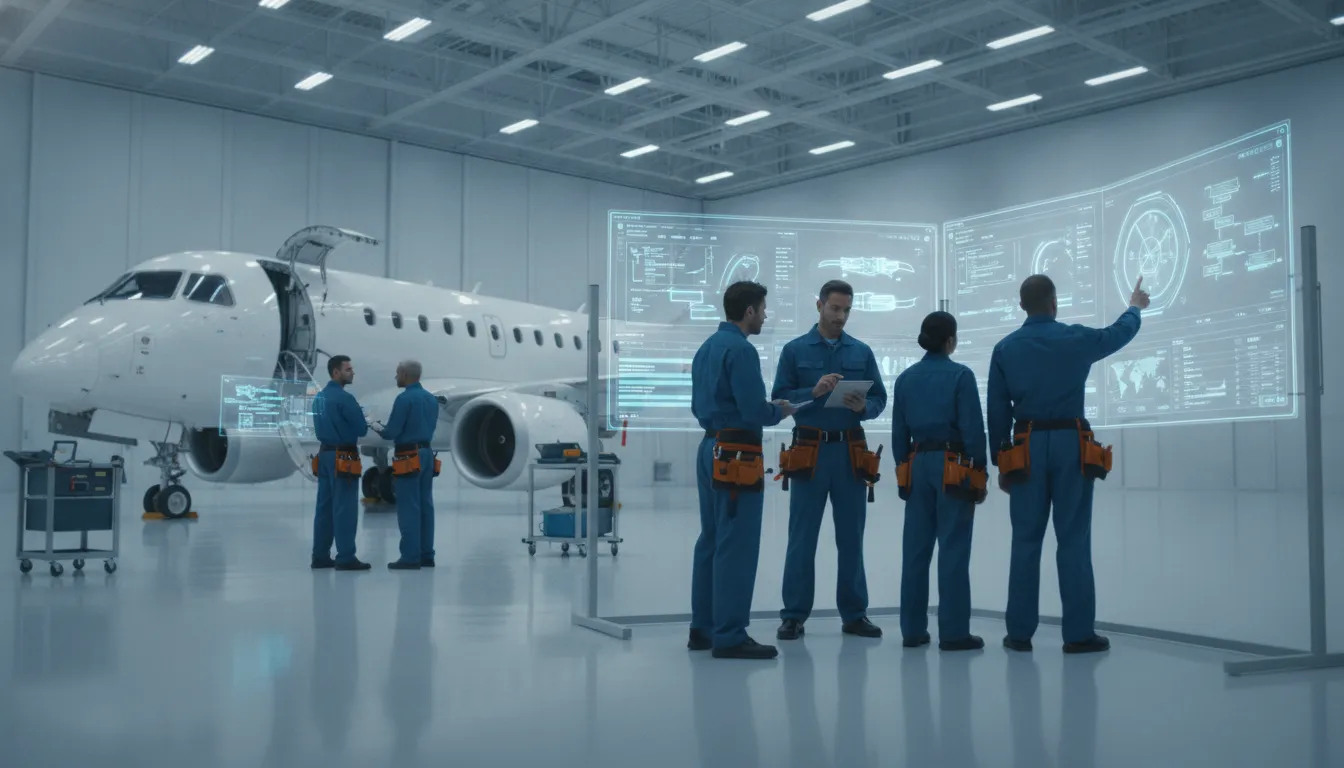
Managing a modern aircraft fleet with outdated or disconnected tools can create operational delays. A reliable WinAir aviation software alternative should connect engineering data with daily operations while supporting compliant maintenance workflows.
Request a personalized comparison with SOMA's aviation software team.
A WinAir aviation software alternative should connect maintenance, flight operations, inventory, and continuing airworthiness workflows. For regional airlines and MROs, the best fit combines accessible enterprise-grade tools with support from aviation experts who understand operational realities.
Choosing a new system for your fleet is a big move. Many operators look for a robust MRO software alternative to WinAir to fix old gaps. You need more than just a place to store data. A good platform should help you work faster and keep your planes in the air. It must also grow with your business without adding too much cost or complex IT needs.
Your software should make it easy to track every part and task. Digital records help you stay safe and follow rules set by groups like the Federal Aviation Administration. A modern system should show you real-time status for your entire fleet. This helps you find small issues before they become big, costly repairs. For regional airlines and MROs, this clear view is vital to keep daily flights on time.
Look for a tool that offers comprehensive aviation maintenance tracking. It should alert you when a check is due. This keeps your records clean and helps with audits. When all your teams see the same data, you reduce the risk of human error. It also lets your maintenance directors spend less time on paperwork and more time on the hangar floor.
Managing parts is a huge job for any airline or repair shop. A great tool links your inventory directly to your work orders. This means you always know if you have the parts you need on hand. It also helps you track costs and lead times for new orders. Without this link, you might face delays that ground your planes and hurt your profits.
Good inventory tools should include:
By using data to manage stock, you can lower the money tied up in spare parts. Better data use helps teams move toward predictive maintenance. This shift keeps planes flying more and sitting in the hangar less. It turns your data into a tool for better fleet health and safety.
The biggest pain with new software is often the rollout. Many large systems take months or even years to set up. A top-tier choice should offer a fast path to going live. SOMA Software aims for a setup time of four to eight weeks. This helps you see value much faster than older, slower options. A quick start means less stress for your team and a faster return on the money you spend.
Support is also key. You do not want a generic help desk that does not know what a CAMO is. You need to work with experts who speak your language. You should have a team of engineers to guide you. They should act as your partners, not just as tech support. This ensures your software fits your daily tasks and safety goals perfectly.
Choosing a robust MRO software choice is a big choice for any flight team. Both WinAir and SOMA Software aim to help teams manage fleets, track parts, and stay legal. Yet, their paths to these goals are not the same. One may fit a large global fleet, while the other might better suit a regional airline. This guide looks at the facts to help you pick the right tool for your specific needs.
SOMA Software uses a unique model led by aeronautical engineers. These experts do more than just fix code. They act as work partners who know the daily grind of a hangar. They understand the rules for ongoing airworthiness and safety (F006). This expert lead helps when you need to switch from old ways to a new system. It ensures your data moves safely and stays in line with the law. They work with you to find the best way to use the tool for your fleet. This level of care is a key difference from standard vendor support.
WinAir has a very broad reach. It serves hundreds of firms in more than 30 countries around the globe (F004). With over 15,000 users managing 9,000 aircraft, it is a proven choice for high scale (F005). WinAir often works through specific parts for maintenance and stock tracking. SOMA provides an all-in-one platform where every task is just a few clicks away (F001). This helps teams avoid using too many different tools for one job.
Setting up new software can be a slow and hard task. Many legacy systems take many months or even a full year to go live. SOMA aims for a much faster start. Most teams can launch their new system in just 4 to 8 weeks (F003). This rapid setup helps you get back to work sooner. It also cuts the risk of losing data during a long move. A fast start means your team can see the value of the tool without a long wait. It keeps the project on track and helps everyone stay on board with the change.
When a setup takes too long, it can hurt your bottom line. A fast move to modern aircraft maintenance management is a major win. It lets you stop using Excel or paper logs right away (F009). This is vital for following FAA rules like 14 CFR part 145 (F011). Fast moves keep your team focused on flying instead of fixing software.
Choosing between these two options depends on your team's size and goals. This table shows how they stack up in key areas.
| Feature | WinAir | SOMA Software |
|---|---|---|
| Primary Model | Software vendor | Engineering partner |
| Setup Time | Standard cycles | 4 to 8 weeks |
| Support Lead | Technical support | Aeronautical engineers |
| User Focus | Large global fleets | Regional and MRO teams |
| System Scope | Modular tracking | All-in-one platform |
Keeping your fleet legal is the most vital task. The FAA provides strict rules on how to manage software for flight safety (F010). Both WinAir and SOMA help you meet these high standards. They track every part and every fix to keep your logs clear. This makes it easy to show you are in line with all air safety laws.
New tech also helps with full aviation maintenance tracking. Using data to find faults early is a key part of modern flight (F007). While there are still some barriers to using AI, the benefits are clear (F008). A digital system makes it easier to track part life and plan for fixes. This keeps your planes in the air and your costs low.
Many flight teams still rely on Excel or paper to track their work. This manual way of working is risky and slow (F009). It makes it hard to get a full view of your fleet's health at any moment. Both of these software options offer a path out of that old way of working. They offer a central place for all your data, which is key for teams in Latin America and the US. This helps you make better choices and stay safe.
The best choice for you depends on how you want to work. If you need a partner to guide you through a move, SOMA might be the better fit. If you need a tool used by thousands of others globally, WinAir is a strong contender. Both will help you leave the world of manual logs behind for good. This change allows your team to focus on the work that matters most.
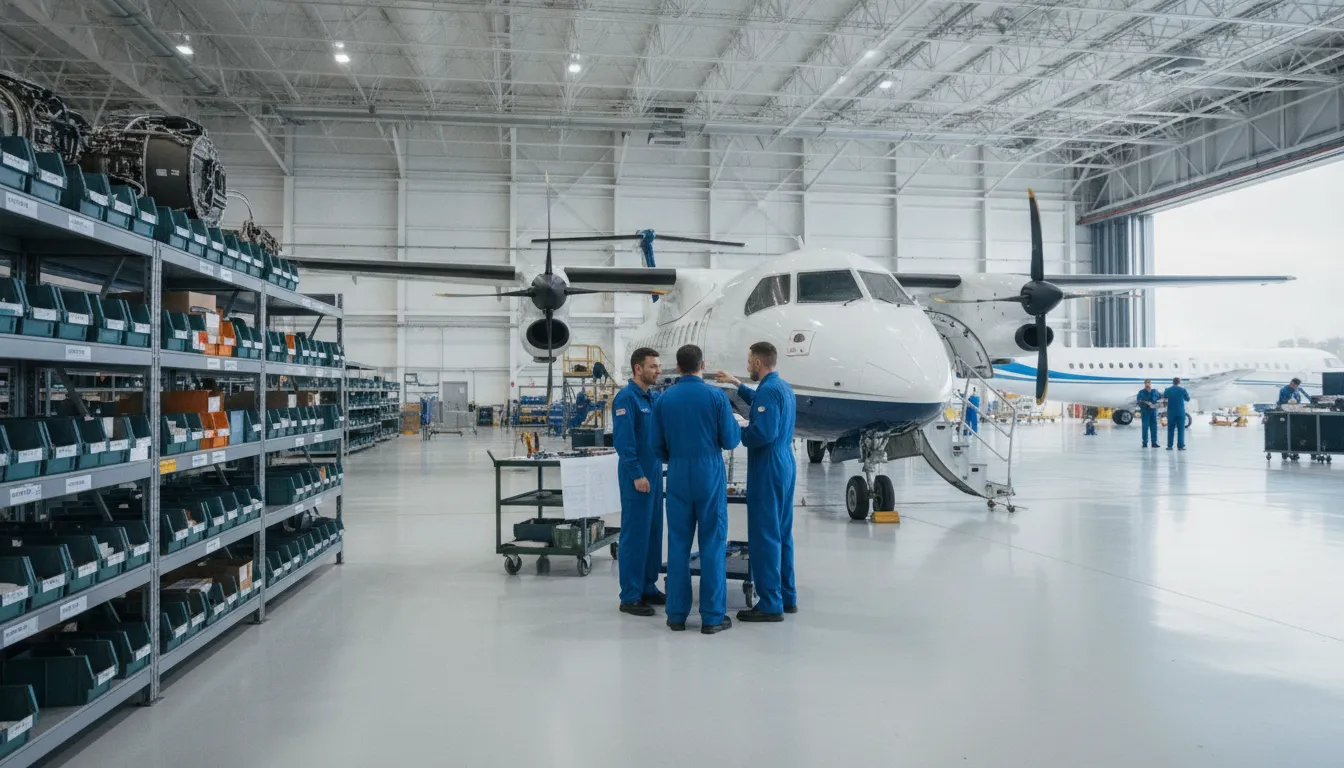
Aviation teams often use many different tools to track parts and flight hours. This can lead to errors and slow work. Choosing a winair aviation software alternative means looking for a system that links all shops. When data flows between maintenance and flight ops, the whole team can work faster. Joined workflows stop the need for double data entry and reduce the risk of missed steps.
Tracking the health of a fleet needs clear data. Many operators still use separate files for maintenance logs and airworthiness tasks. An all-in-one platform keeps these records in one place. This helps teams stay in line with rules and keep planes safe to fly. The Federal Aviation Administration provides guidance on how to manage software in these tasks. Using a single system makes it easier to show that your fleet meets all safety standards.
When airworthiness data is tied to maintenance logs, managers see the full picture. They can spot trends in part failures or check if a plane is ready for its next flight in seconds. This speed is vital for local airlines and cargo teams. It turns data from a chore into a tool that helps planes stay in the air. A comprehensive aviation maintenance tracking plan starts with this unified view.
Stock handling is often the hardest part of keeping a fleet running. Parts must be in stock before a mechanic needs them. In old systems, the buying team might not know a part is low until the job starts. This leads to grounded planes and high shipping costs. Linked workflows tie the stockroom to the maintenance floor. When a mechanic pulls a part, the system can start a new order on its own.
This link helps shops keep less stock on hand while still having what they need. It saves money and space. Managers can track costs per tail number and find ways to save on parts. Modern systems help teams move away from manual sheets or Excel. For shops looking for robust MRO software alternatives, this level of connection is a top priority. It lets the team focus on fixing planes instead of searching for parts.
Setting up a new system is about more than just software. It needs a team that knows the aviation world. SOMA uses aeronautical engineers to help set up the platform. These experts act as operational partners to your team. They understand the real-world goals of a maintenance director or a chief pilot. That context can help teams align the system with their workflows.
Support is another key part of this bond. When a problem comes up, you need to talk to someone who knows your business. Expert-led support means you get answers from people who know aircraft systems. They don't just fix software bugs; they help you improve how your shop runs. This tie helps you get the most out of your tools. It ensures your team can use the software to its full power every day.
Switching your aviation maintenance platform is a big step. Many teams look for a winair aviation software alternative when they need more help or faster setup times. The goal is to find a system that keeps your fleet safe and follows all air rules. Using modern aircraft maintenance management helps you stay on track with daily tasks. It also cuts the risk of using old, hand-run tools like paper logs or Excel files.
A good switch starts with a clear plan. You should look at how your team works now and find where the gaps are. This helps you pick a tool that fixes your real problems. The move should be done in stages so you do not stop your work. Most teams find that a six-step path works best to ensure nothing is missed during the move.
Moving your data is the most vital part of the switch. You must take your old records and put them into the new system without any loss. This includes logbooks, part history, and task cards. The FAA has clear guides on how to manage software during maintenance to keep your planes safe. If you do not follow these steps, you might face gaps in your safety records. This can lead to big problems during a check or audit.
You should also think about the future of your fleet. Some new tools use AI to guess when a part might fail. This can save you a lot of money and time by stopping parts from breaking. But, setting up these tools can be hard because of how the data must flow. NASA reports that having the right data and rules are major blocks to using these new tools. A strong plan helps you clear these hurdles and improve your fleet's health.
The right partner makes a huge difference in your success. You should look for a team that knows aviation, not just code. SOMA Software uses a team of aeronautical engineers to help you set up fast. This approach helps you get robust MRO software alternatives that fit your exact goals. They offer 24/7 support so you are never left alone with a software problem. Having expert help on hand ensures your team can keep planes in the air.
Setting up your tool should not take months or years. A focused team can get you up and running in as little as four to eight weeks. This speed lets you start seeing the gains in safety and cost right away. When your staff can use the tool easily, they make fewer mistakes. This keeps your records clean and your fleet ready for flight. A simple, clear system is the best way to grow your aviation business for the future.
Deciding on a robust MRO software alternatives like SOMA depends on your specific goals. While WinAir serves many operations in over 30 countries globally (as noted by WinAir), SOMA focuses on a deep partner model. This approach is often the best fit for regional airlines, cargo teams, and MRO shops that need more than just a software tool.
For mid-sized regional airlines and charter teams, growth often shows the limits of old systems. If your team still uses paper logs or Excel, moving to a new platform can help link departments to grow gains (per WinAir). SOMA is built to replace these old ways with comprehensive aviation maintenance tracking that keeps your team linked in real time.
Regional firms often face unique rules and needs. Federal Aviation Administration rules, such as AC 43-216A, show the need for software that keeps planes safe to fly. SOMA gives you the big-firm tools you need to meet these rules without the high IT costs often found with older systems.
A major reason to look at SOMA as a winair aviation software alternative is the help you get. SOMA uses a team of expert engineers to act as partners. These experts do not just fix tech bugs; they help you make your work better. This model includes 24/7 help for aviation needs, so your team is never left without help during a key task.
How fast you can start is also a big factor for busy shops. While some shifts can take months or years, SOMA is built to start fast. Most teams finish the move in four to eight weeks. This quick start helps you see the gains of modern aircraft maintenance management sooner. If you are ready to see how this works, you can try it for free today.
Firms looking at future fleet health may also find SOMA a strong fit. New platforms look at how smart tools can offer better fault finds and more work speed (MDPI). By moving to a system that uses data, you can start to cut down on surprise work and keep your fleet in the air.
In the end, each firm must check the fit based on their planes and team size. Whether you run a cargo fleet or a life-flight service, the right software should make hard tasks easy. SOMA's simple workflows are built to keep key data just a few clicks away, letting your team focus on safety.
Picking a winair aviation software alternative is a big move for any flight team. You need to ensure the new tool fits your team and your fleet. Asking the right questions during a demo helps you find a partner that does more than just sell code. You want a system that makes work easier and keeps your planes in the air.
Most big tools take months or years to start working. You should ask each vendor about their setup plan and who will help you. Some teams offer robust MRO software alternatives that can go live in just four to eight weeks. Rapid setup means your team can stop using spreadsheets and start using better tools sooner.
Also, check if the vendor knows your specific region and rules. If you work in Latin America, you may need a team that speaks your language. You should ask about these items:
Your record-keeping must stay clean for safety and law. The FAA provides guidance on using digital tools for maintenance and logbooks. Ask how the software tracks who does each task and who signs off on the work. You need a system where every click is tracked so you stay ready for any audit.
Look for tools that offer comprehensive aviation maintenance tracking. The system should let you set roles for each user. This ensures that only the right people can change data or sign off on repairs. Good software will make your work more clear and reduce the risk of human error.
As your fleet grows, your software must grow with you. Ask if the tool can handle more planes or new types of parts without slowing down. You should also ask about data insights. Newer tools use data to find problems before they happen. This is often called predictive maintenance. It helps you save money by fixing small issues before they turn into big ones.
A recent NASA report shows that using data for maintenance can help teams work better and safer. Find out if the software can show you trends in your fleet. Knowing which parts fail most often helps you plan your budget. It also helps you keep your fleet working and safe for the long term.
Many regional airlines and MRO shops choose SOMA Software as their top choice. It offers a full platform that links maintenance, flight work, and stock in one place. Unlike older tools, this system has expert help from aeronautical engineers who act as your partners. This helps your fleet stay safe and follow all rules, and most teams can set up the system in just four to eight weeks.
HangarHero is a strong option for managing your aviation shop and staff. It helps to make daily tasks simpler for many operators. However, you should check if it has the full fleet and CAMO tools your business needs. If you need a full aviation maintenance management system, you may want to compare it with deeper tools. Make sure the software you pick can handle your specific aircraft and all of your compliance tasks.
Some small shops use basic tools like Excel or Google Sheets to track their fleet. While these tools are free to start, they often lead to mistakes and safety risks over time. The FAA notes that maintenance software must show it follows all rules for airworthiness. Manual systems make this very hard to do, so it is often safer to buy a low-cost tool that grows with your company and keep you compliant.
WinAir is a well-known tool that serves hundreds of operators in over 30 countries and manages maintenance for over 9,000 aircraft worldwide. While it is a global leader, some operators find it lacks the linked flight work and stock tools they need. Newer systems offer a more clear view of your entire business. This helps smaller teams move faster without needing a large IT team to manage the software.
Sticking with an old system means your team spends more time on manual data entry and risks falling behind on vital safety and compliance tasks. Making the move now means you can move your data and train your staff in just four to eight weeks before your next peak season. This quick change helps you cut out the stress of manual work so you can focus on safe flights and clear fleet records today.
Ready to request a custom quote or try the platform for free? Talk to our team to see how we help your fleet. Our team of expert engineers is here to help you get started right now.